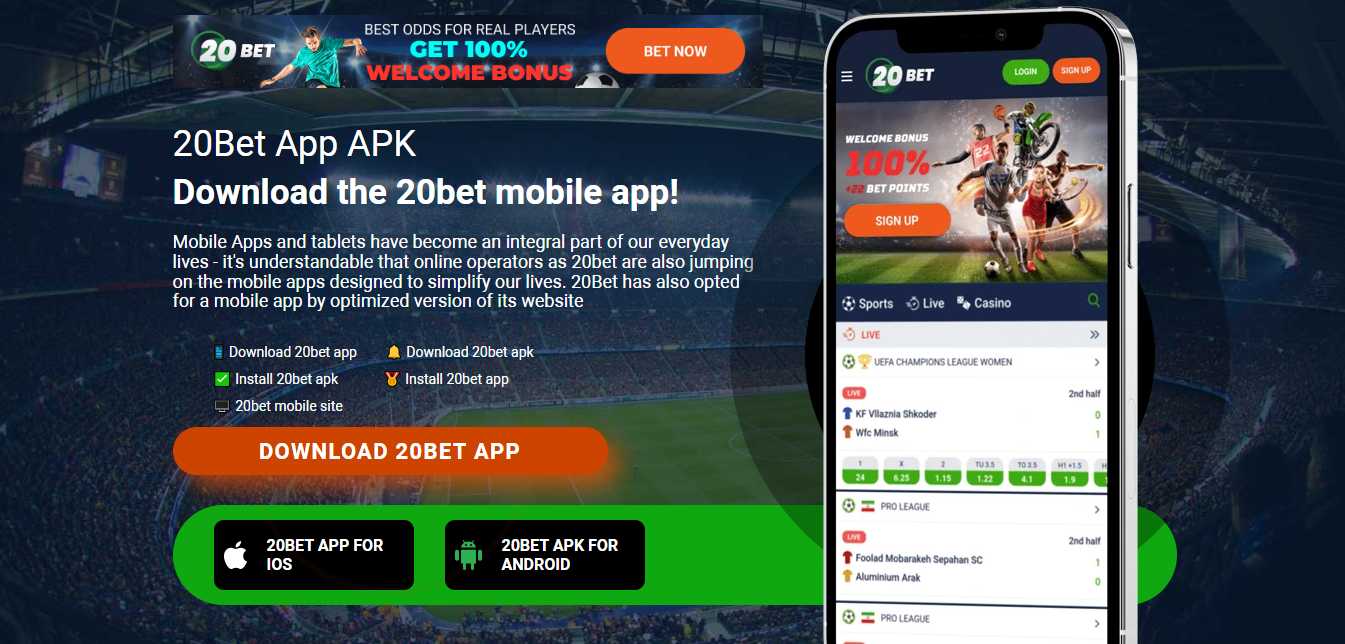
There are three routes, and one casino may offer more than one of them.
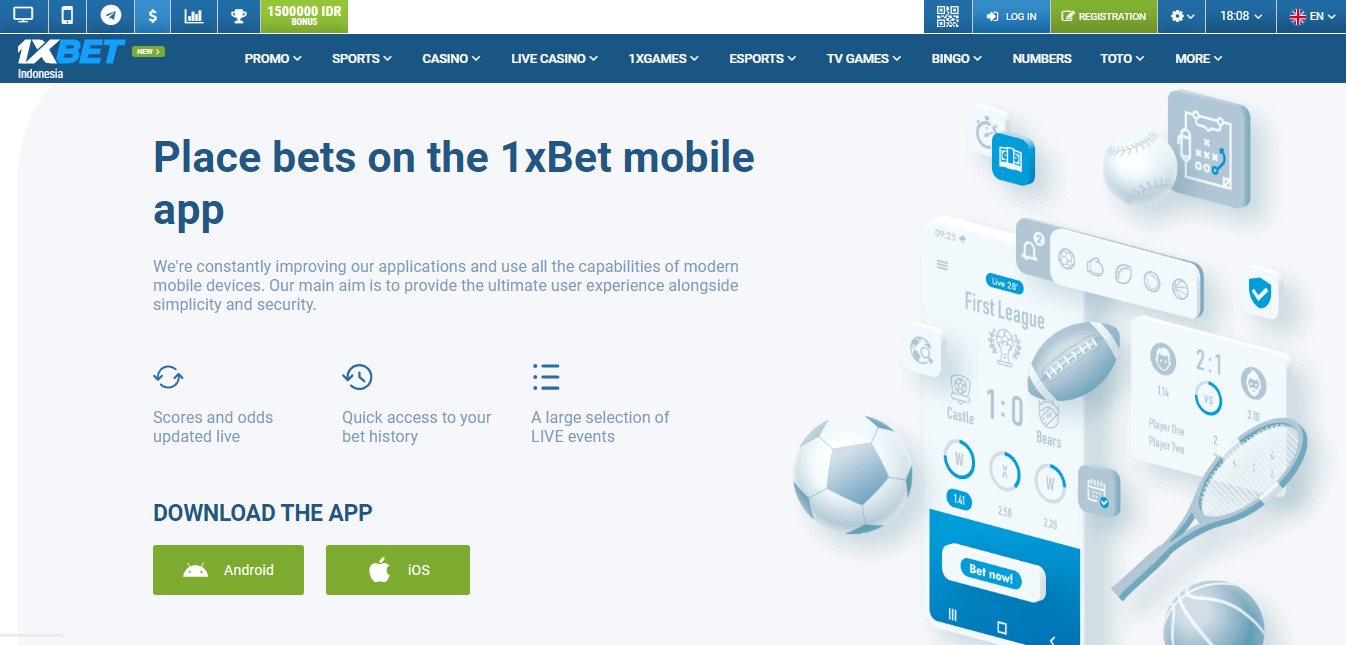
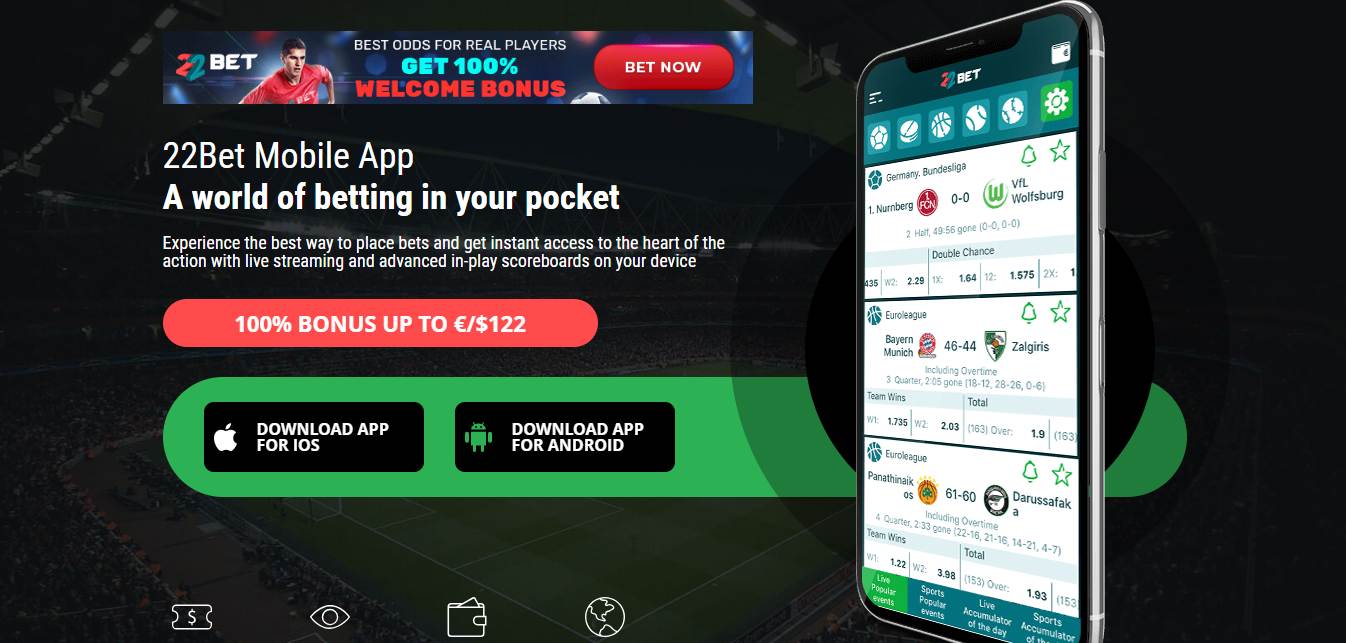
Android: an APK from the casino’s site
Because Google Play doesn’t list real-money gambling apps for the Philippines, Android casino apps come as an APK file. The casino’s app page (often linked in the site footer as "Mobile apps") offers the download. Android will warn that files of this type can harm your phone and ask you to allow installs from that browser ("Install unknown apps"). Allow it for the install, then switch it off again. Updates arrive the same way, so you will repeat the steps.
iPhone: App Store or TestFlight, if the operator has one
Apple allows real-money casino apps only where the operator holds the right permissions for that country, so an app listed in another country’s store may not appear in the Philippine one. Some operators send iPhone users to TestFlight, Apple’s beta-testing app, instead. Megapari’s app page, for example, gives an APK for Android, TestFlight for iPhone, and the web-app option below.
Any phone: a web app
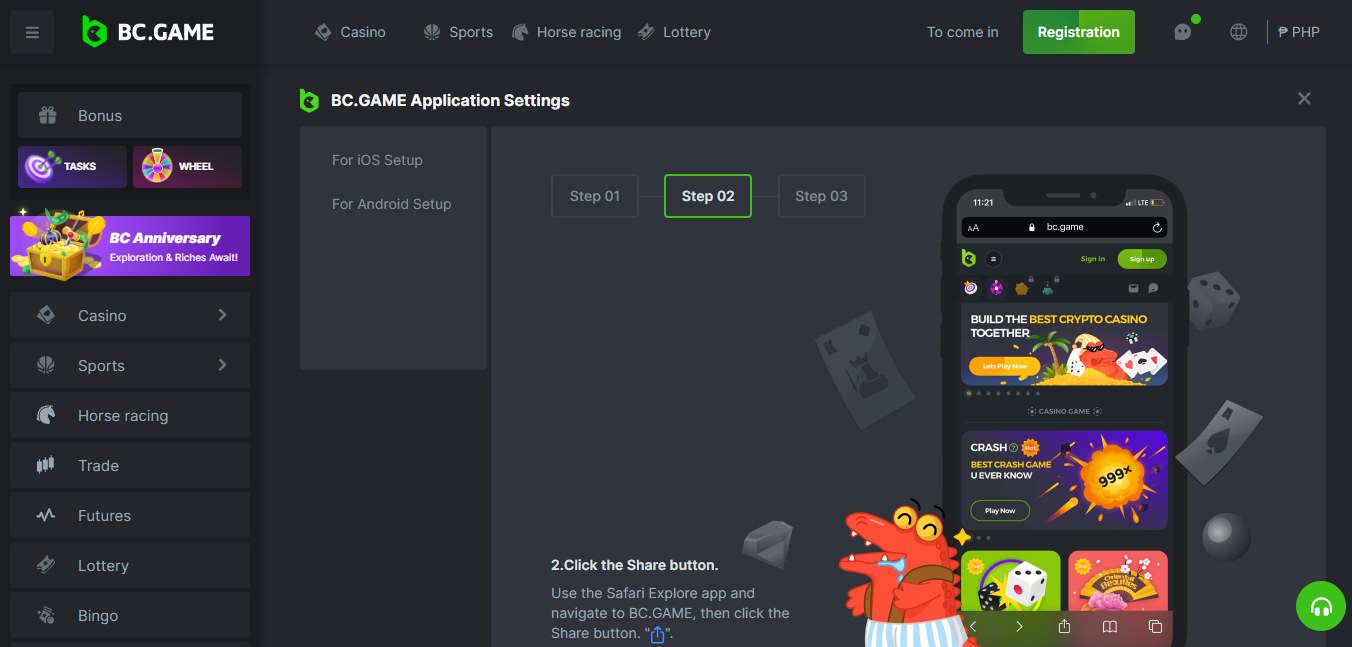
In Safari on iPhone, open the casino site, tap Share, then Add to Home Screen, and turn on Open as Web App. On Android, Chrome’s menu offers Add to Home screen. You get an icon that opens the site full-screen, with nothing to install or update.